

your print has just been completed and you’re now wondering what to do? read with me and ill help you with the next step in the printing process.
Your print is freshly done and in this case, we will be using a resin printer so please bear in mind that FDM-type prints will be completely different from Resin prints. GRAB SOME GLOVES, your new printer usually comes with a few sets of surgical gloves to handle your resin as skin contact with liquid resin is not good for you so please make sure your wearing gloves when handling any fresh and uncured prints.

excellent you’ve got your gloves, you need a bowl of some sort, your toothbrush. (Don’t worry you probably need a new one anyway)but make sure you buy a replacement! a flat metal scraper(usually comes with your new printer) and your isopropyl. Now you can unscrew your built plate and tilt it so any loose resin can run off the plate and back into the vat, saving resin and mess in the process! then straight into your bowl to sit to make sure as much as the resin can come off, empty some of your isopropyl into that bowl over the build plate to help shift some of that uncured resin off the build plate using your toothbrush to help scrub it clean, once that is done you can remove the build plate and using the beveled edge to scoop under your print and separate the build plate and printed model.
You should go and reattach your build plate to your printer while your print sits inside the isopropyl so you don’t forget about it and wait 6 hours into a print before noticing! (there was a lot of swearing) this will also let your print sit in the isopropyl to start cleaning the model with your trusty toothbrush and give the model a good scrub at this point, trying to get as much of the uncured resin off the model but by this point, the model should be reasonably clean. the extra brushing will never hurt and you could think about removing your supports and being careful so you don’t break anything from your model and put them into the same bowl and give your resin model another brush to make sure you get in all those nooks and crannies to ensure there is no resin left on the model as best as you can see

now that your model is clean and free of supports, triple check you’ve removed all traces of supports, sometimes they don’t break at the model and leave a bit behind, and once the model is cured this becomes more difficult to remove so doing this now while its uncured will help save some time, upon seeing your clean model you may notice that the supports have left dots in the print which is the unfortunate part of resin printing and will just take trail and error until you get the settings right and have supports with no leftover marks, I’ve found that using warm water before removing the supports help with removal but it’s not working as well with the ABS-like resin so I am doing some trial and error myself. Although pre-supported models tend to not have this issue due to the supplier doing your trial-and-error process for you.
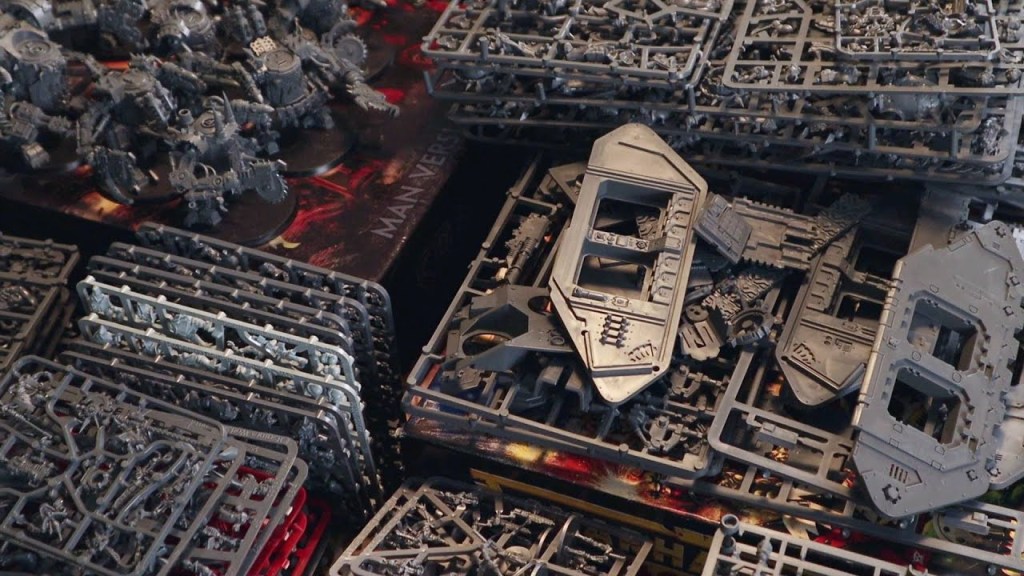
curing the model couldn’t be easier once the model is clean and you are happy with the support removal simply place your model on the windowsill or anywhere that’s exposed to sunlight but anywhere that can prove UV light will be sufficient such as a wash and cure station or even just a fingernail curing machine you can pick up on amazon for pretty cheap but will let you cure when the sun goes down and a wash and cure machine isn’t available to you, once you’ve let your model cure your model is ready for you to paint, which you will paint and not just add it to your pile of unpainted shame, won’t you!
Thank you for reading me through this series I have thoroughly enjoyed typing this up and I’m hoping you have learned something about 3d printing I will continue to add to the series with extra tips and tricks that I figure out or even if I find a glitch in the matrix!
 No Rerolls
Great article! Something I will definitely find useful if I end up getting a 3D printer this year. 🙂
LikeLike